NVMe e streaming de disco: onde está o gargalo de verdadeNVMe and disk streaming: where the real bottleneck is
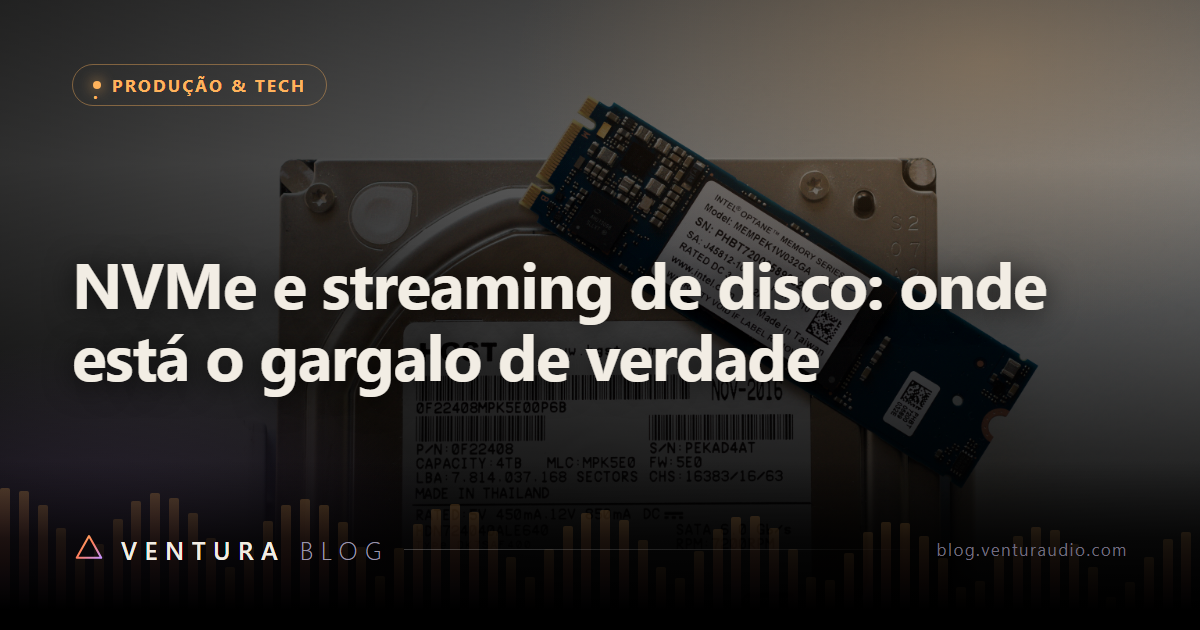
Foto: Daniel Aleksandersen · CC BY
Existe uma frustração específica de quem trabalha com bibliotecas grandes: você troca o disco por um NVMe caríssimo, daqueles com número gigante estampado na embalagem, e a passagem rápida de cordas continua engasgando.
O disco não é ruim. O número da embalagem é que responde a uma pergunta diferente da que o sampler faz.
Leitura sequencial contra leitura aleatória
O número grande que aparece na caixa, os 5000, 7000 ou 12000 MB por segundo, é leitura sequencial. Ele mede a velocidade de ler um arquivo enorme de ponta a ponta, sem interrupção. É o que acontece quando você copia um vídeo de 40 GB de um lugar pro outro.
Streaming de sample não faz nada parecido com isso.
Quando você toca um acorde de sete notas numa biblioteca com três posições de microfone e round robin, o sampler precisa buscar dezenas de pedaços pequenos de arquivos diferentes, espalhados por lugares diferentes do disco, todos ao mesmo tempo, e todos com prazo. Isso é leitura aleatória de blocos pequenos.
São duas habilidades distintas. A embalagem anuncia a primeira. O seu trabalho depende da segunda.
O que olhar no lugar
Duas medidas contam de verdade aqui:
IOPS de leitura aleatória em blocos de 4K. É a quantidade de operações pequenas que o disco resolve por segundo. É essa a moeda do streaming de sample.
Latência de acesso. Quanto tempo passa entre pedir um pedaço e recebê-lo. Como cada nota tem prazo pra soar, atraso vira falha audível, mesmo com banda sobrando.
É por isso que a comparação honesta fica assim:
- Disco mecânico para SSD é uma diferença brutal, das que mudam o que é possível fazer. O mecânico precisa mover uma cabeça física até o lugar do arquivo, e é justamente a leitura espalhada que o destrói.
- SATA para NVMe ainda é um ganho real, principalmente em quantidade de operações simultâneas.
- NVMe de geração anterior para o mais novo é, pra streaming de sample, quase irrelevante. Você está pagando por sequencial que não vai usar.
Os gargalos que ninguém procura
Na maioria dos casos em que o disco parece lento, o disco está bem e o problema é outro.
O preload está pequeno demais. Este é o primeiro suspeito, sempre. Se o pedaço guardado na memória acaba antes de o disco entregar o resto, você ouve a falha. Aumentar o preload custa RAM e resolve o sintoma na hora. Muita gente troca de disco pra corrigir um ajuste de software.
O disco está quase cheio. SSD precisa de espaço livre pra trabalhar. Além disso, a maioria usa uma região rápida de cache que encolhe conforme o disco enche. Um NVMe com 95 por cento ocupado pode entregar uma fração do que entregava vazio. Deixar de 10 a 20 por cento livres não é superstição.
Aquecimento. NVMe embaixo da placa de vídeo, sem dissipador, em gabinete fechado, reduz a própria velocidade pra não queimar. O sintoma é traiçoeiro porque aparece depois de vinte minutos de sessão, quando você já esqueceu que a causa poderia ser térmica.
Tudo no mesmo disco. Sistema, arquivo de paginação, sessão gravando áudio e biblioteca fazendo streaming, todos disputando o mesmo dispositivo. Separar a biblioteca do disco do sistema costuma render mais que trocar por um modelo superior.
Disco sem memória própria. Modelos mais baratos economizam o chip de memória interna e pedem emprestado um pedaço da RAM do sistema. Funciona bem em uso comum e sofre justamente em leitura aleatória sustentada, que é o nosso caso.
O gargalo que não é o disco
Vale dizer, porque economiza dinheiro: falha em passagem rápida nem sempre vem do armazenamento.
Se a CPU está estourando, se o buffer de áudio está apertado demais pra sessão, ou se existe um driver segurando o sistema durante interrupções, você ouve exatamente o mesmo tipo de falha. Antes de culpar o disco, olhe o medidor de desempenho da própria DAW enquanto a passagem falha. Se ele está no talo, o disco está inocente.
O que fazer, em ordem
1. Aumente o preload buffer e teste de novo. É grátis e resolve boa parte dos casos.
2. Confira o espaço livre no disco da biblioteca.
3. Descarregue posições de microfone que não vão pra mixagem.
4. Separe biblioteca, sistema e gravação em dispositivos diferentes.
5. Verifique a temperatura do NVMe depois de meia hora de trabalho.
6. Só então considere comprar hardware.
A ordem importa porque os cinco primeiros passos não custam nada, e o sexto custa caro por um ganho que, na maioria das vezes, você já tinha conseguido no primeiro.
There is a frustration specific to people working with large libraries: you replace the drive with an expensive NVMe, the kind with a huge number printed on the box, and the fast string passage still stutters.
The drive is not bad. The number on the box answers a different question from the one the sampler asks.
Sequential reads against random reads
The big number on the box, the 5000, 7000 or 12000 MB per second, is sequential read. It measures how fast a huge file can be read end to end, uninterrupted. That is what happens when you copy a 40 GB video from one place to another.
Sample streaming does nothing of the sort.
When you play a seven note chord in a library with three mic positions and round robin, the sampler has to fetch dozens of small pieces of different files, scattered across different places on the drive, all at once, and all on a deadline. That is random reading of small blocks.
Two distinct skills. The box advertises the first. Your work depends on the second.
What to look at instead
Two measurements actually count here:
Random read IOPS at 4K blocks. How many small operations the drive resolves per second. That is the currency of sample streaming.
Access latency. How long between asking for a piece and receiving it. Since every note has a deadline, delay becomes an audible dropout even with bandwidth to spare.
Which is why the honest comparison looks like this:
- Mechanical drive to SSD is a brutal difference, the kind that changes what is possible. A mechanical drive has to move a physical head to the file, and scattered reading is exactly what destroys it.
- SATA to NVMe is still a real gain, mostly in simultaneous operations.
- Previous generation NVMe to the newest one is, for sample streaming, close to irrelevant. You are paying for sequential speed you will not use.
The bottlenecks nobody looks for
In most cases where the drive seems slow, the drive is fine and the problem is elsewhere.
The preload is too small. Always the first suspect. If the piece held in memory runs out before the disk delivers the rest, you hear the dropout. Raising the preload costs RAM and fixes the symptom immediately. Plenty of people buy a drive to correct a software setting.
The drive is nearly full. An SSD needs free space to work. On top of that, most use a fast cache region that shrinks as the drive fills. An NVMe at 95 percent occupancy can deliver a fraction of what it delivered empty. Keeping 10 to 20 percent free is not superstition.
Heat. An NVMe under the graphics card, with no heatsink, in a closed case, throttles itself to avoid burning. The symptom is treacherous because it shows up after twenty minutes of work, once you have stopped suspecting temperature.
Everything on one drive. System, page file, session recording audio and library streaming, all fighting over the same device. Separating the library from the system drive usually pays more than upgrading to a better model.
Drives without their own memory. Cheaper models skip the internal memory chip and borrow a slice of system RAM instead. It works well in ordinary use and suffers precisely at sustained random reads, which is our case.
The bottleneck that is not the drive
Worth saying, because it saves money: dropouts in fast passages do not always come from storage.
If the CPU is maxed out, if the audio buffer is too tight for the session, or if a driver is holding the system during interrupts, you hear exactly the same kind of dropout. Before blaming the drive, watch the DAW performance meter while the passage fails. If it is pinned, the drive is innocent.
What to do, in order
1. Raise the preload buffer and test again. It is free and solves a good share of cases.
2. Check free space on the library drive.
3. Unload mic positions that will never reach the mix.
4. Split library, system and recording across different devices.
5. Check the NVMe temperature after half an hour of work.
6. Only then consider buying hardware.
The order matters because the first five steps cost nothing, and the sixth costs a lot for a gain you had usually already achieved at step one.
Plugins que você enxergaPlugins you can see
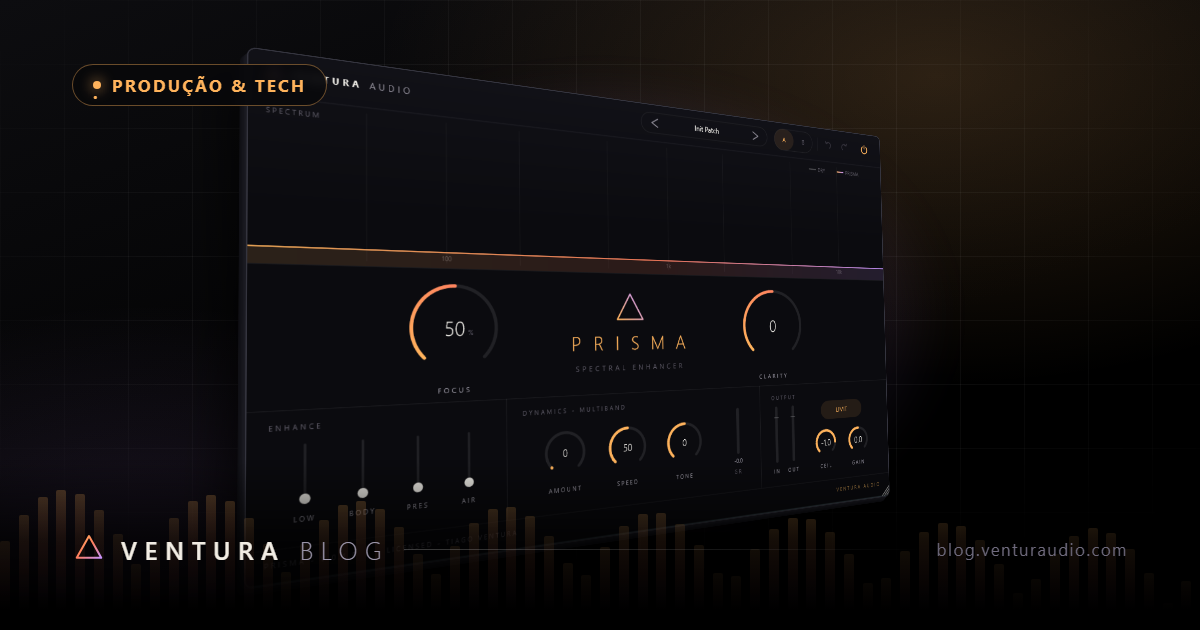
Conheça o PRISMA e o catálogo Ventura Audio.Meet PRISMA and the Ventura Audio catalog.
IR PARA A LOJAGO TO STORE